
Project creation & details
Customer association, custom fields, install templates, and lifecycle statuses from pending materials to install complete.
ProjecXPro is where playground installs are created, scheduled, and finished—project details, crews, forms, to-do lists, and site photos in one place, with a single admin view of every project's status.
Active projects
Riverbend Park
Playground install · 5-12
Maple Grove ES
Play structure + surfacing
Lakeside Splash
Shade + site prep
Project management first
Start from a playground install template, attach the customer and site, set the task sequence, then let the schedule, forms, and file library build themselves around the job.
Customer association, custom fields, install templates, and lifecycle statuses from pending materials to install complete.
Sequenced install tasks with dependencies, owners, and a personal to-do list for every role.
Calendar, Gantt, and map views that keep timelines, crews, and playground sites aligned.
Build resource teams, track availability, and reassign a crew without redoing the plan.
Site surveys, safety checklists, and required documents configured per project.
Progress and completion photos upload straight to the right project and task.
Consolidated admin view
Admins see all projects at once—status, details, forms outstanding, task completion, and the latest site photos—then filter by state, crew, or status to find the job that needs attention today.
All projects
20 playground installs · 6 statuses
3
Pending materials
2
Site prep
1
Permitting
4
Installation
1
Customer approval
9
Install complete
From intake to install complete
No weekly location email. No paper packet. No double entry.
Intake the customer, create the playground project from a template, and set details, fields, and required forms.
Assign crews and dates, then field leads work the task list, forms, and photo uploads from their phone.
Collect customer approval, export completed forms, and keep the full project record and audit trail.
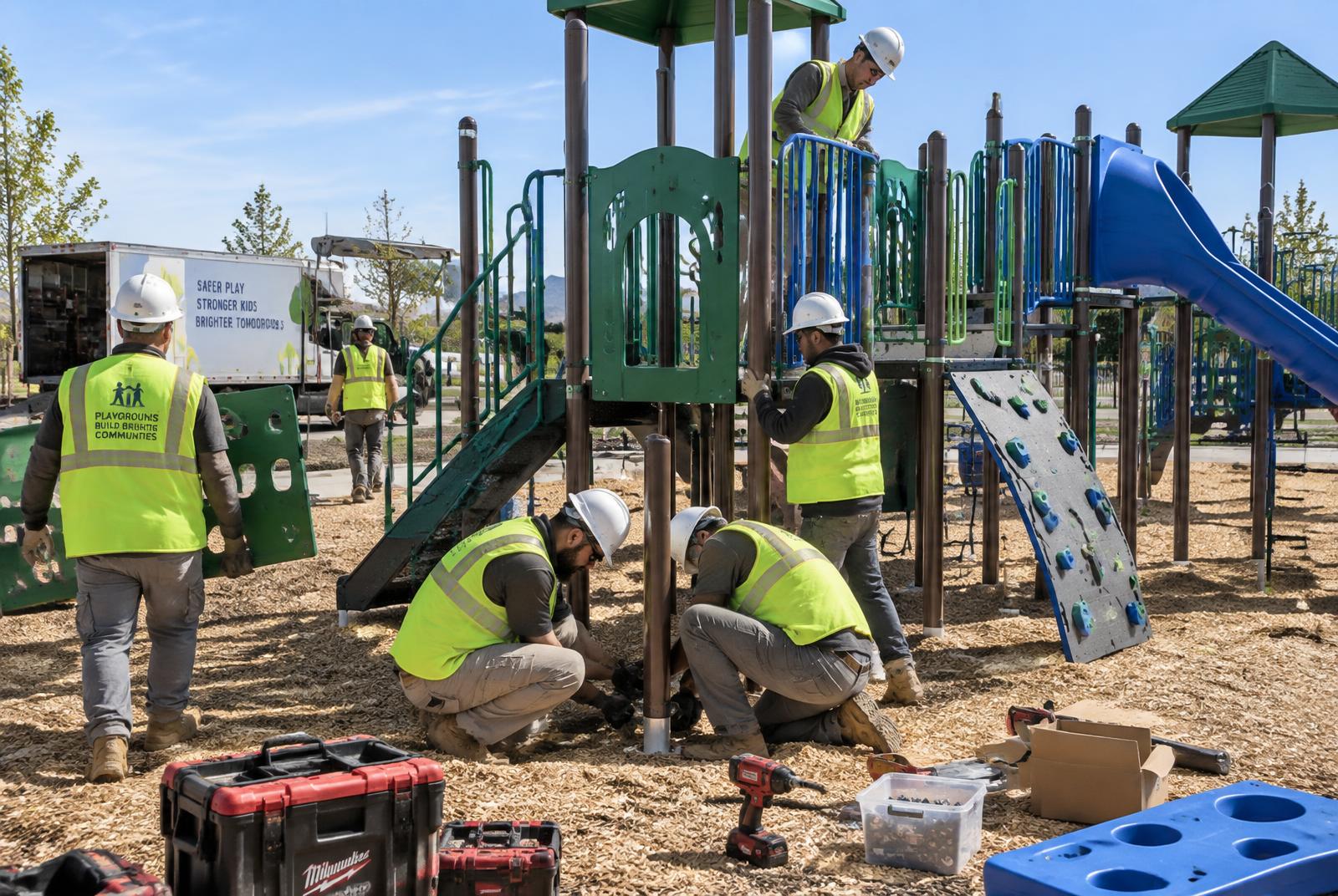
Install sign-off complete
Riverbend Park · 3:42 PM
Made for the crew
Field leads open today's playground jobs on their phone—task list, project details, forms, drawings, and photo uploads—without an app store install.
Connects with the way you work
See how ProjecXPro replaces the spreadsheet, paper packet, and weekly scheduling scramble for playground installation teams.
Book your demo